
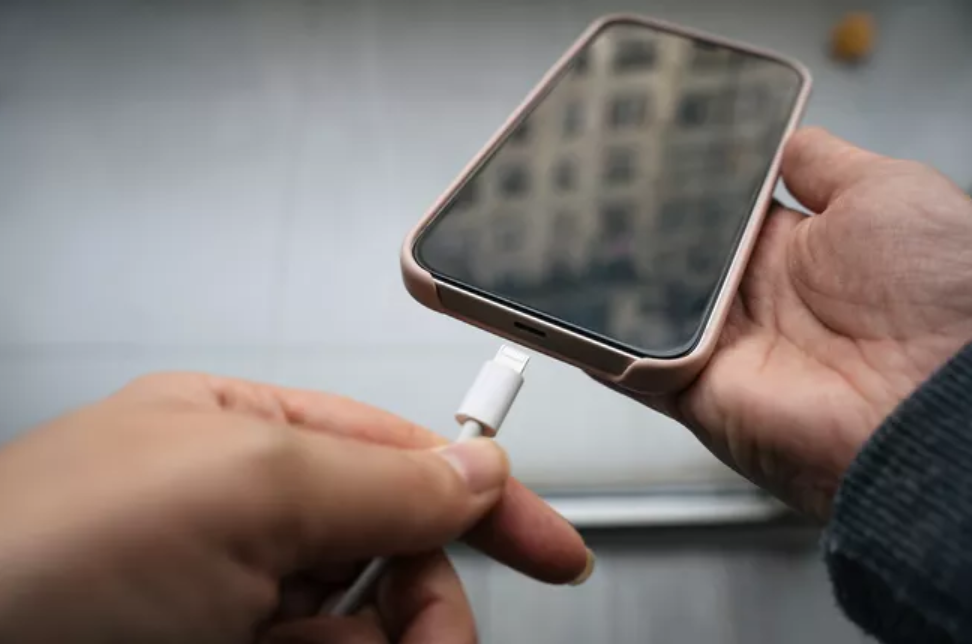

Hurricane Idalia is forecast to strike Florida’s western coast Wednesday morning (August 30), meaning there could be power outages lasting hours to days. Your cellphone is one of your most important devices to have, from keeping up with essential updates to calling emergency services. Here are some ways to keep your phone charged during the disaster.
Make sure your external battery is ready to go. Have this fully charged BEFORE the storm arrives.
Minimize social media use. Apps like Facebook, Twitter, and TikTok can drain battery power quickly, so try to stay off them as much as possible. Only visit these apps for important updates from local news stations, government officials, weather services, and emergency management.
There are other ways to save power. Turn on battery saving mode. Reduce the brightness through the “Display” settings. Turn off push notifications and location services for non-essential apps. Look for the “Notification” options For location, check the “Privacy” setting for iPhones and “Biometrics and Security” for Android phones.
Keep your phone until the storm strikes or the power goes out. This can apply to other devices, like tablets and computers, as well. In fact, you can also use your laptop or desktop to keep your phone charged with a USB cable or Apple cable.
Your car is also a power source. Most cars come with a USB port or power inverter. If you don’t have one, you can pick up a cheap one from a dollar store or local gas station.
Have a backup power supply in your vehicle. These backups have all kinds of knickknacks for emergency needs, including a USB port to charge your cellphone. Like everything mentioned before, make sure it’s charged prior to the hurricane arriving.